Fret-Fighter Configurator
hardware configuration dashboard
First-time setup & firmware
Put the Pico into bootloader mode and flash the GP2040-CE core firmware
First-time setup
Then pick your board below and press Flash Core Firmware. Fret-Fighter downloads the official GP2040-CE build for you and writes it straight to the RPI-RP2 drive — no manual download needed.
GP2040-CE core firmware
Checking for the latest release…
Built from OpenStickCommunity/GP2040-CE. Use flash_nuke first if the board misbehaves, then flash your board build again.
Push any button to detect the controller
Pin mapping
Hover a control to identify it, click it to assign GPIO pins and key bindings
Pin mapping is locked until a controller is connected
Controller overview
connect your controller to configureFront
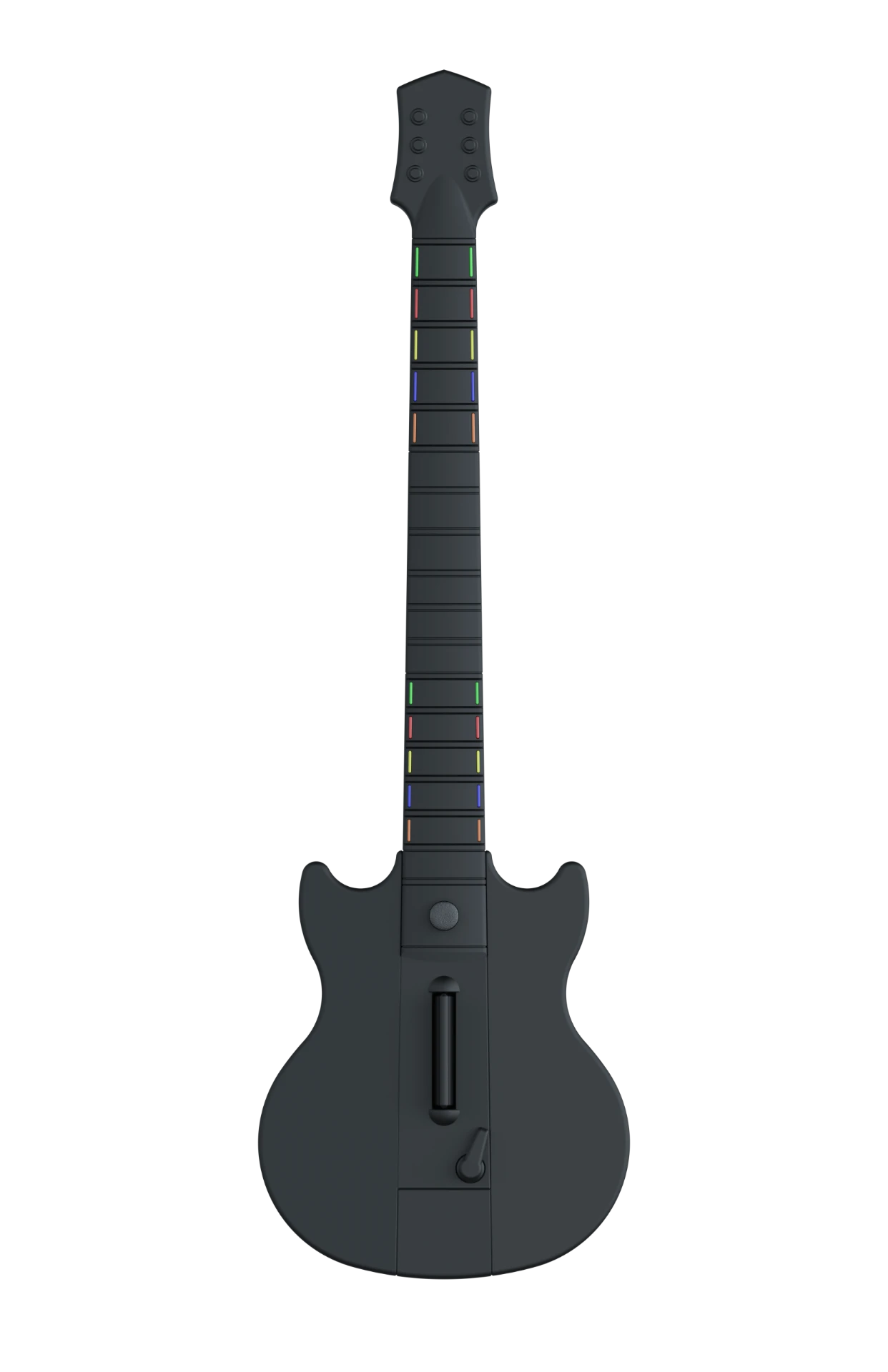
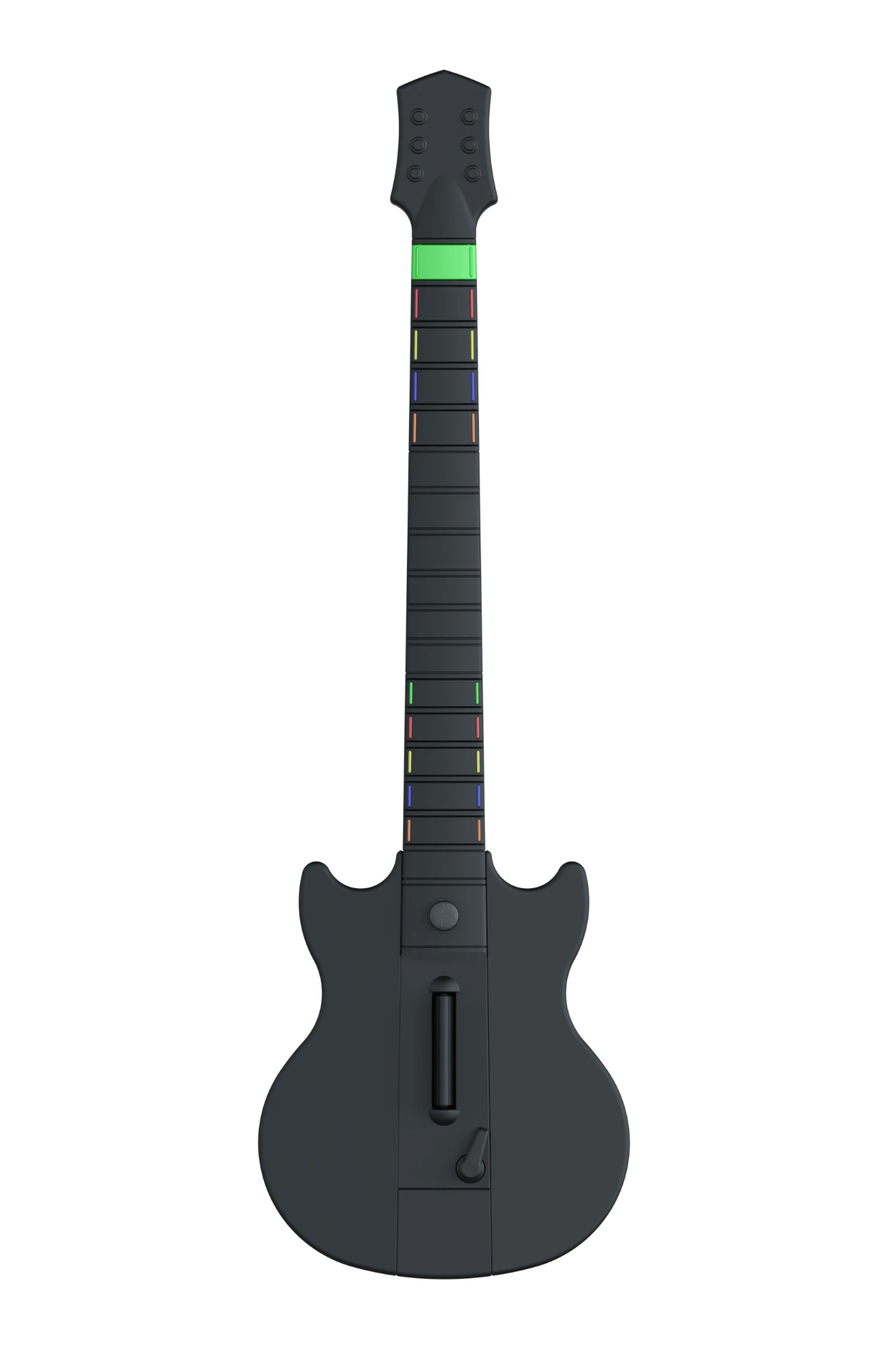
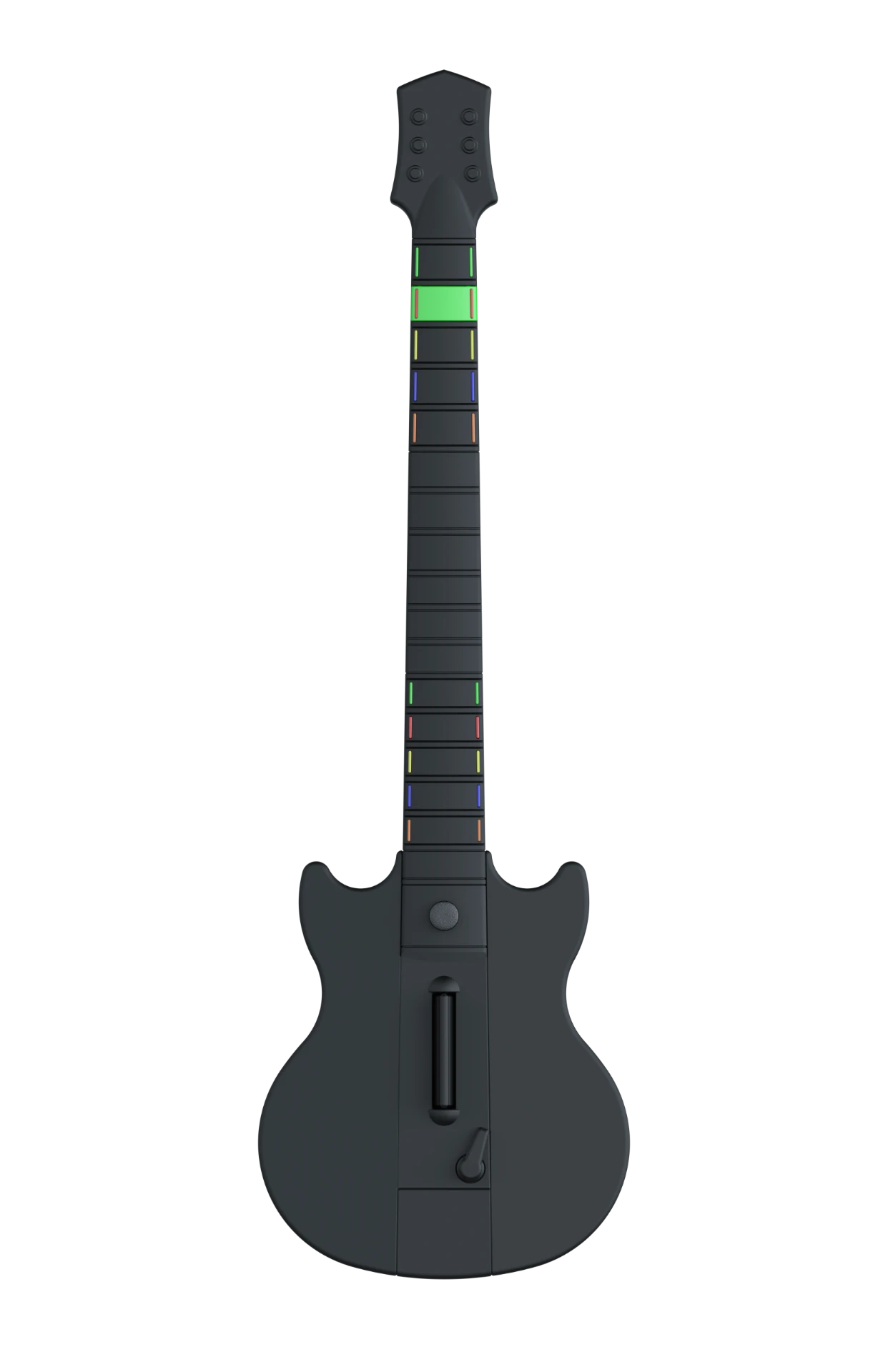
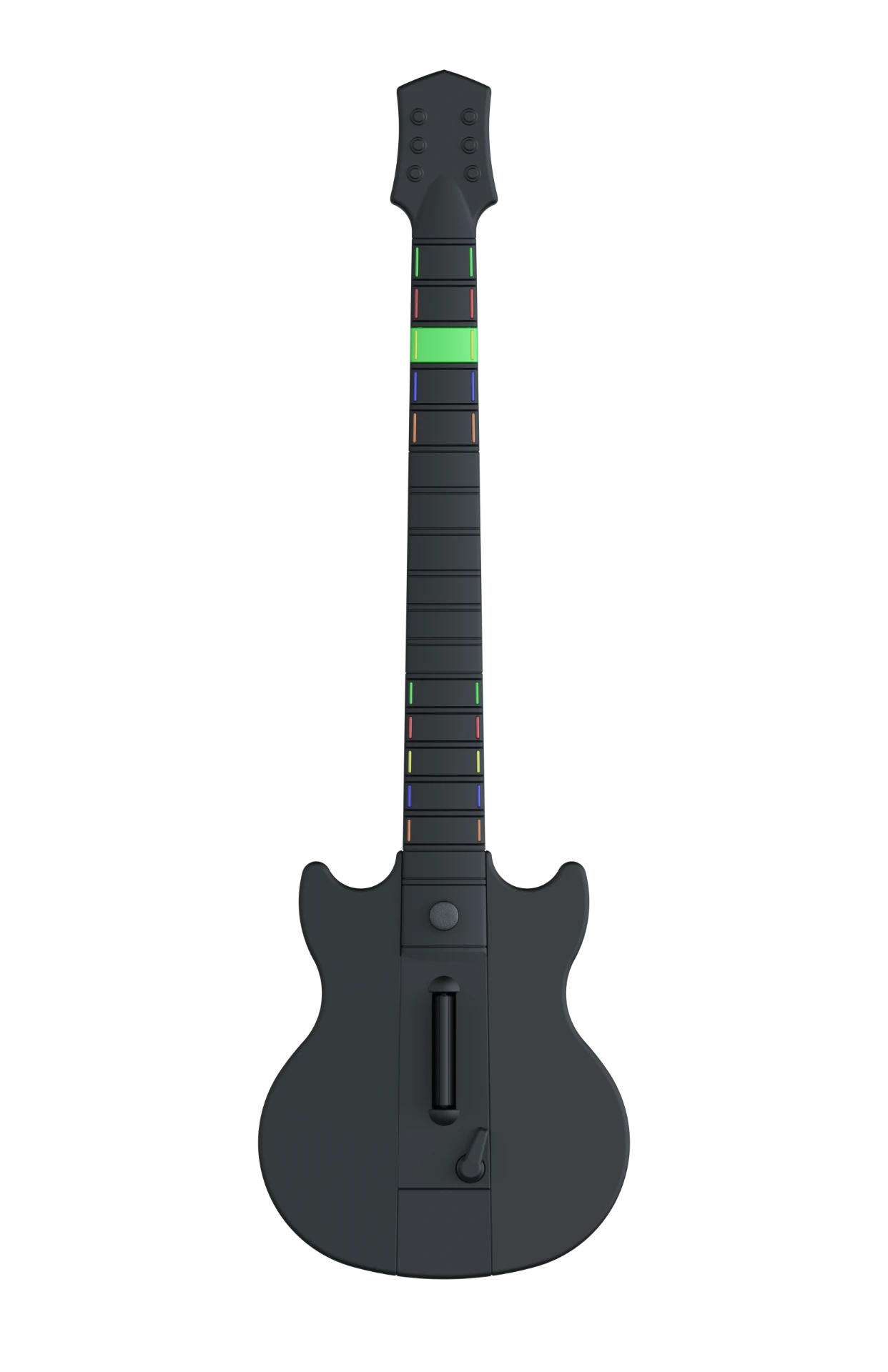
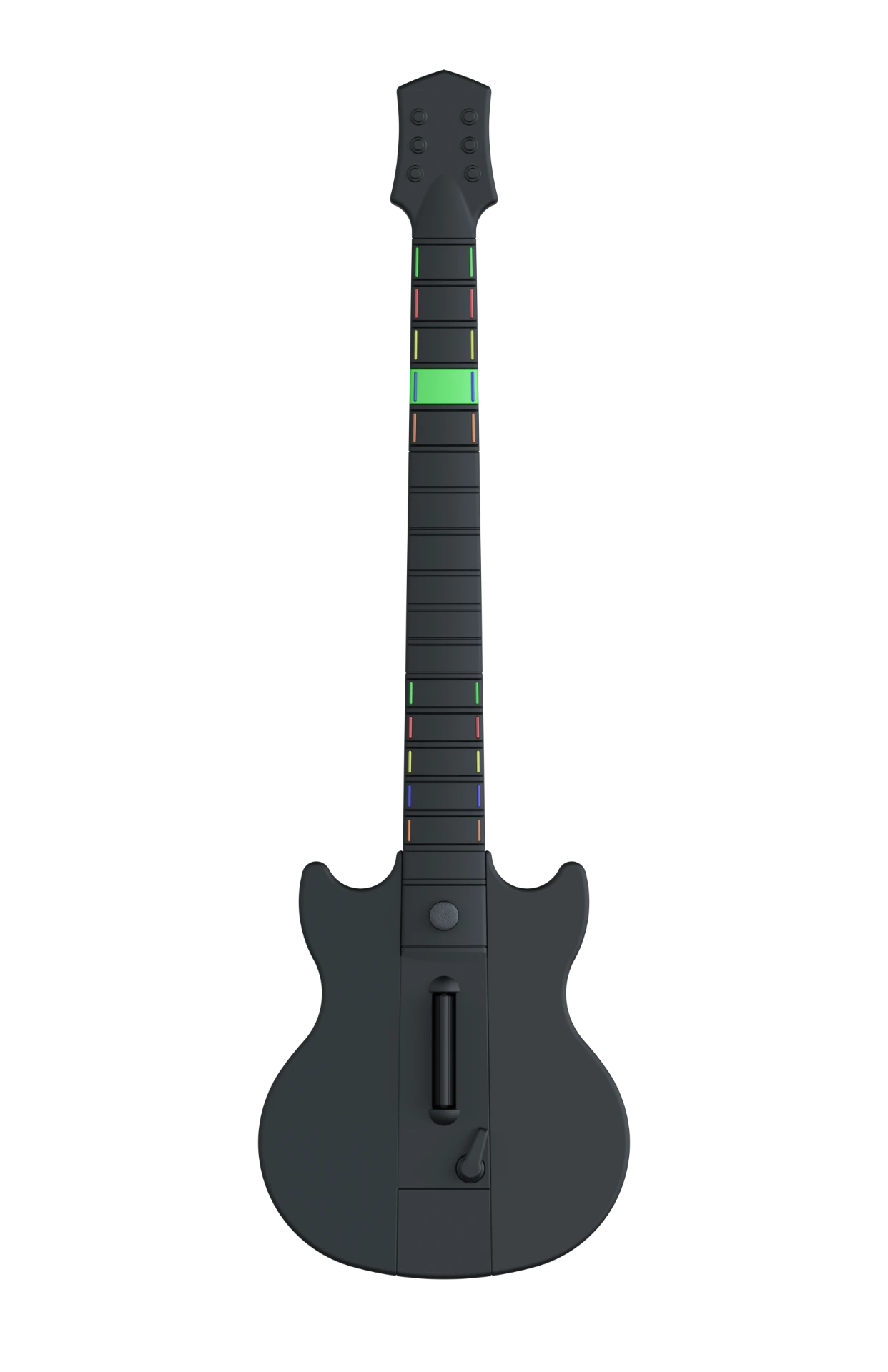
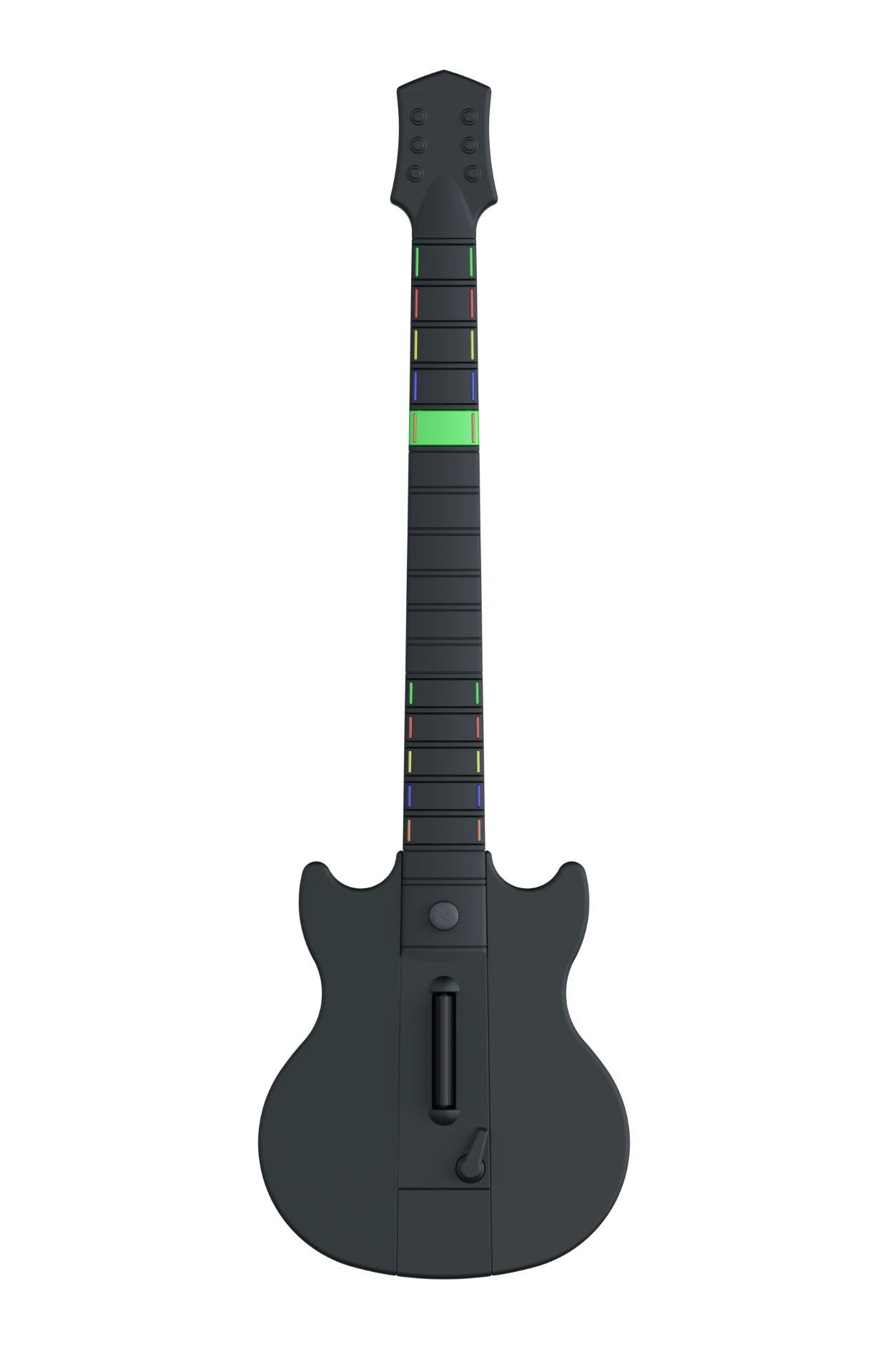
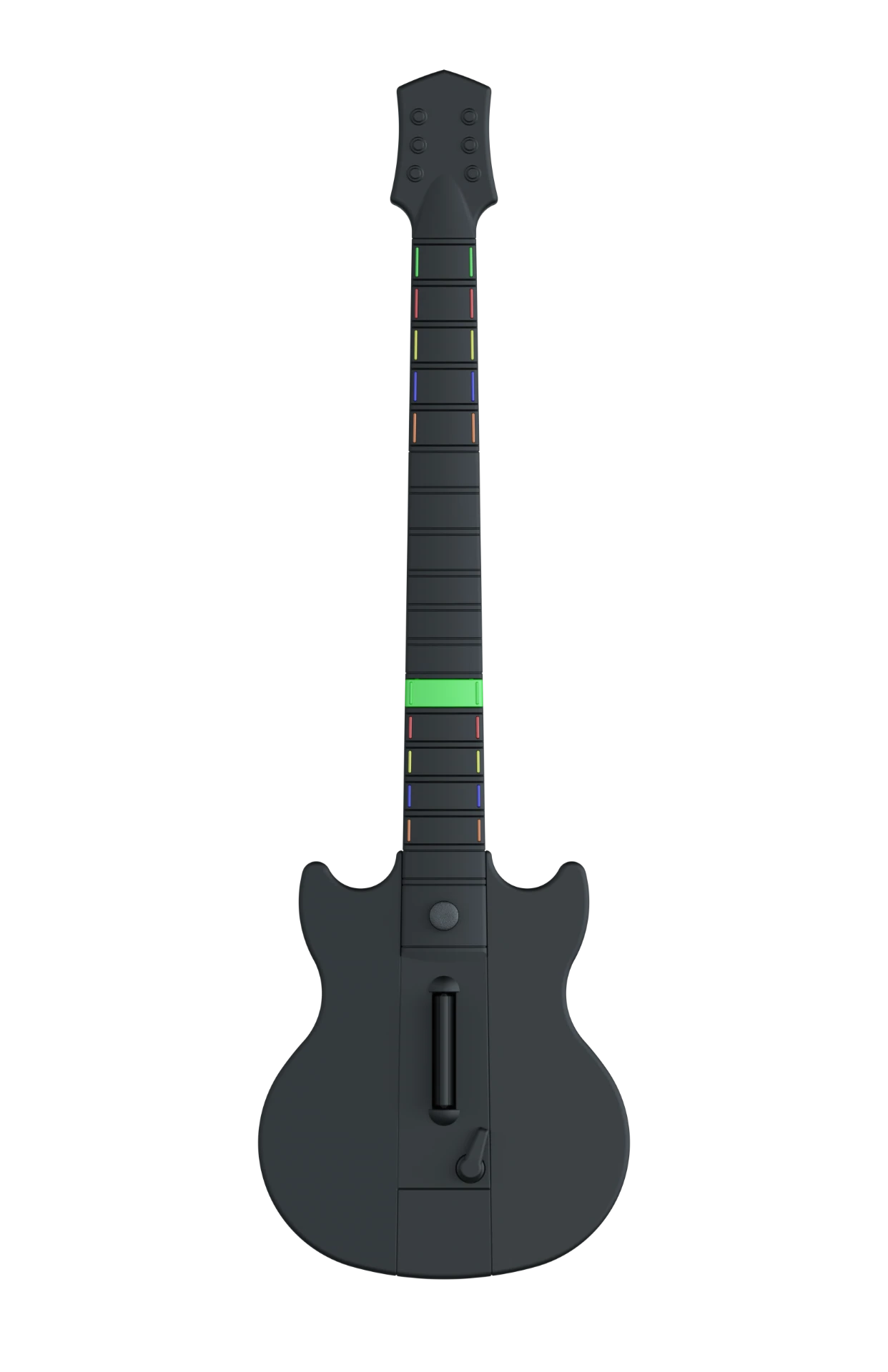
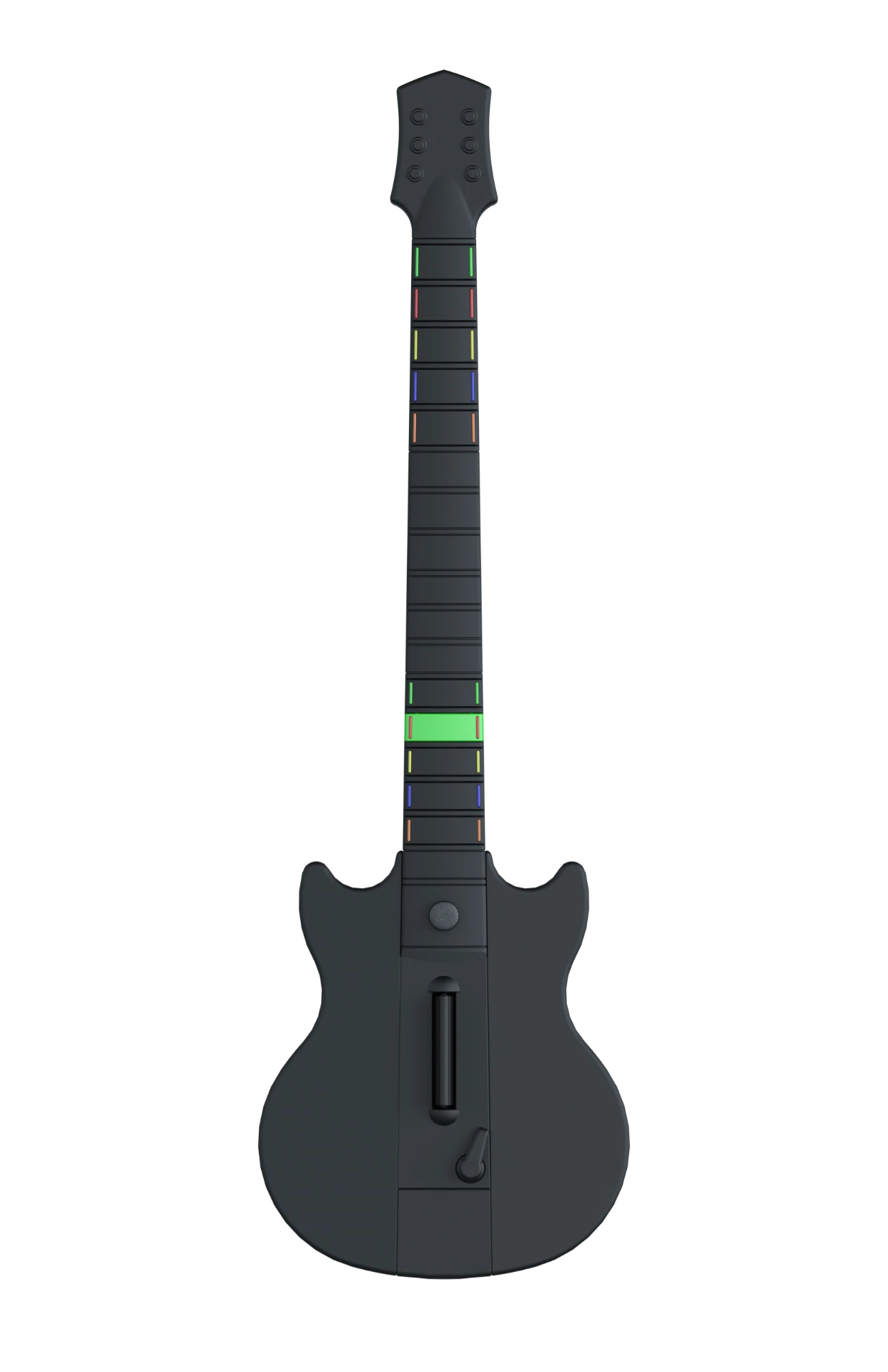
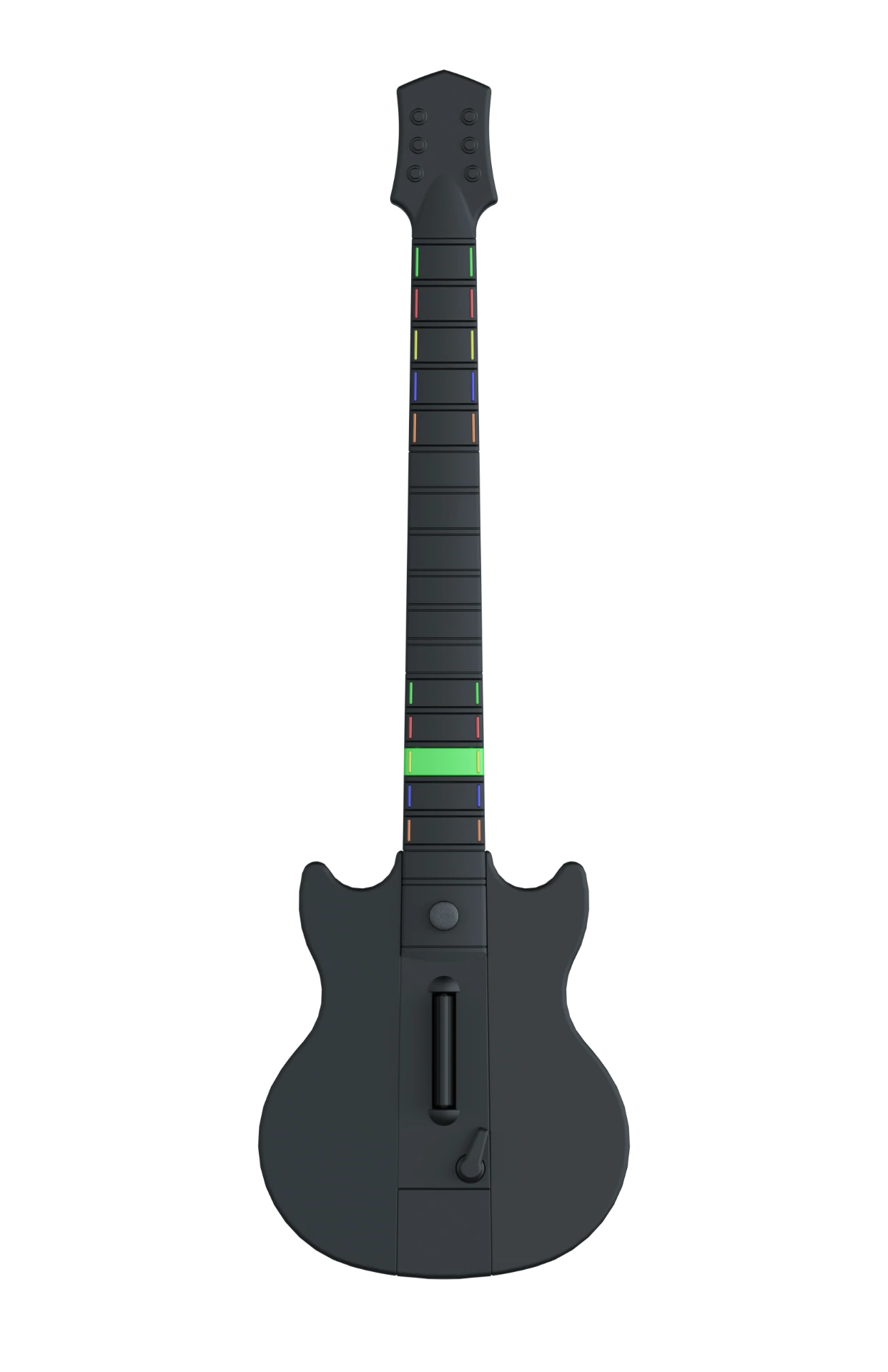
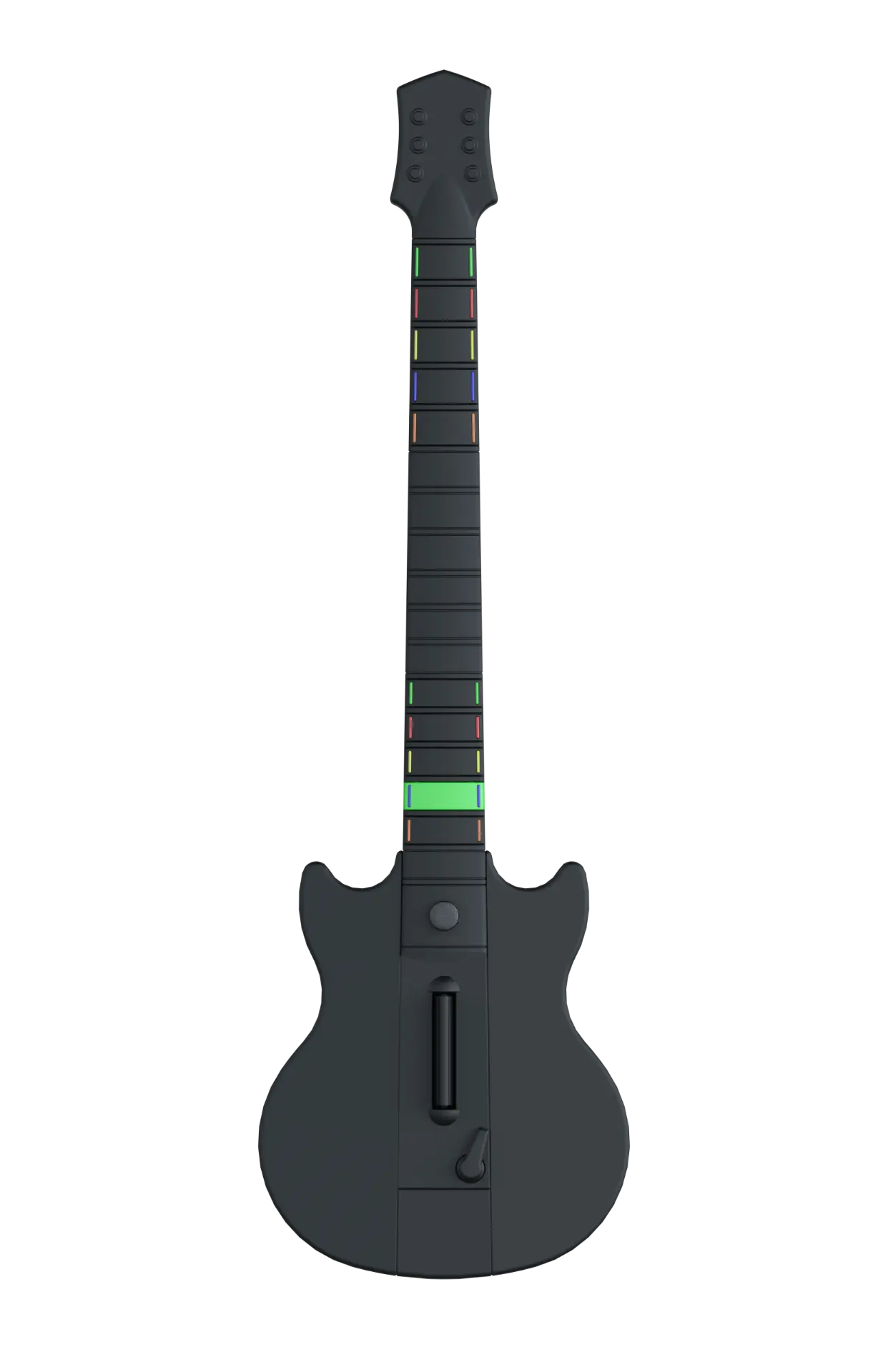
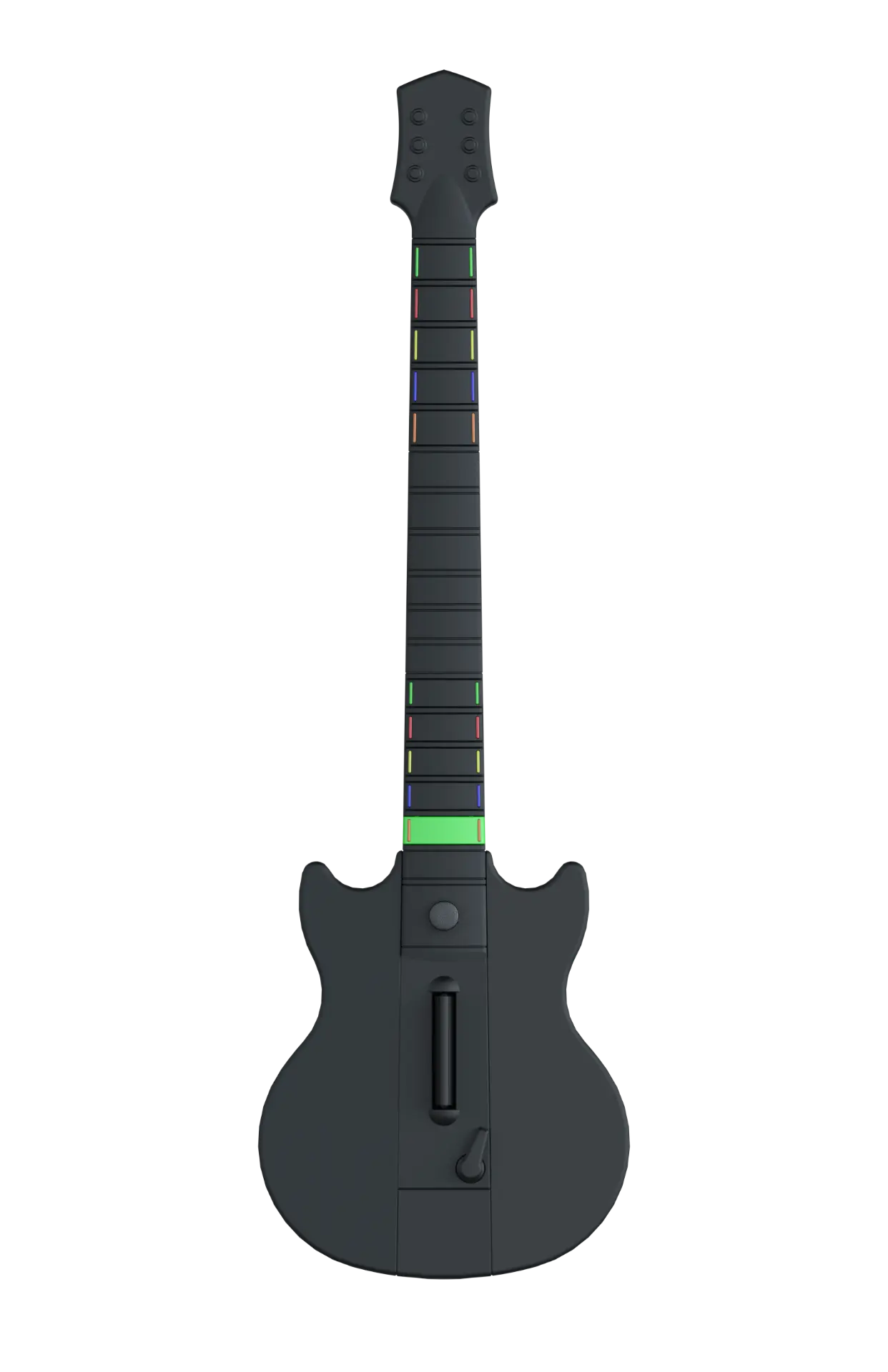
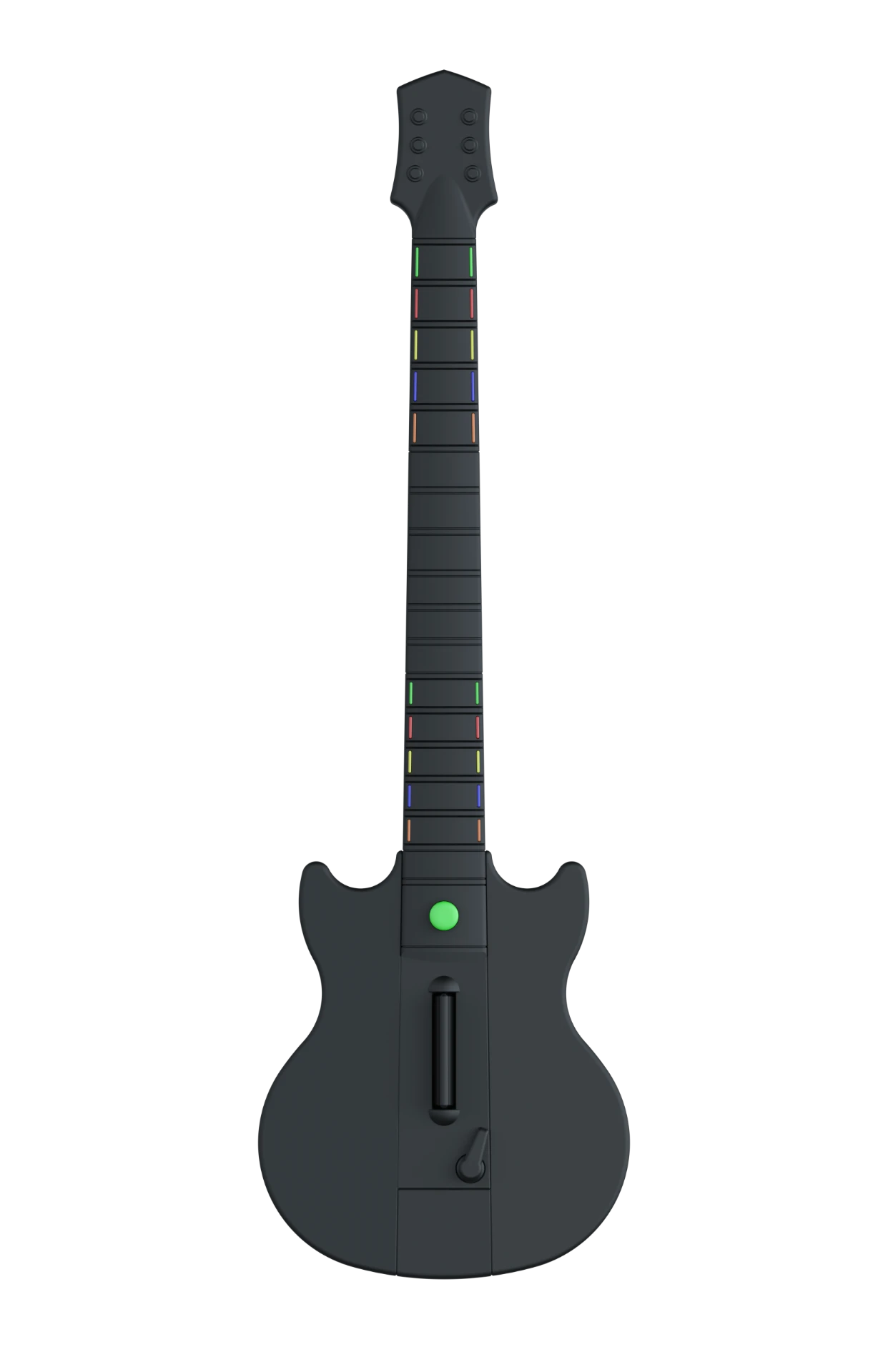
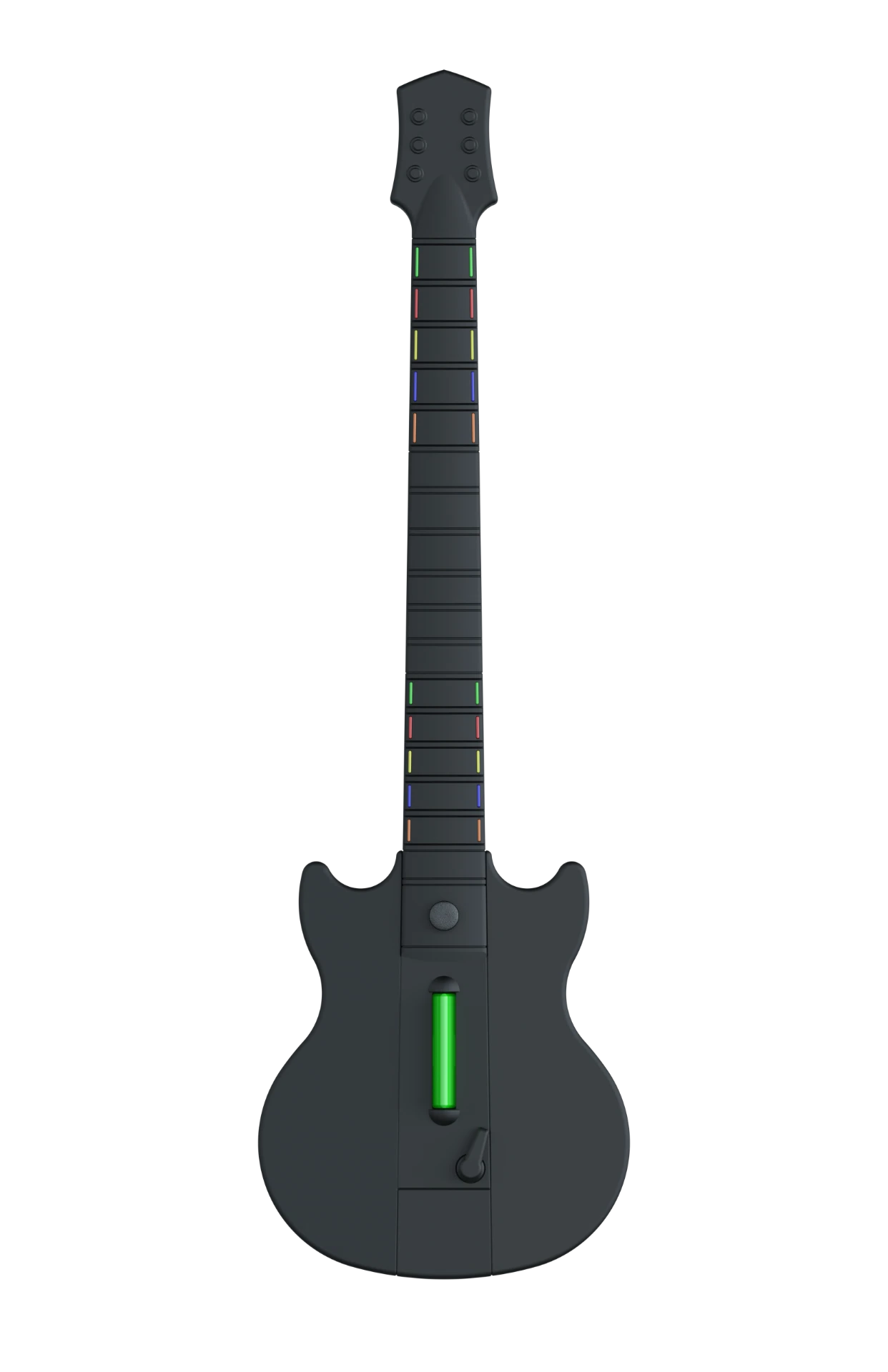
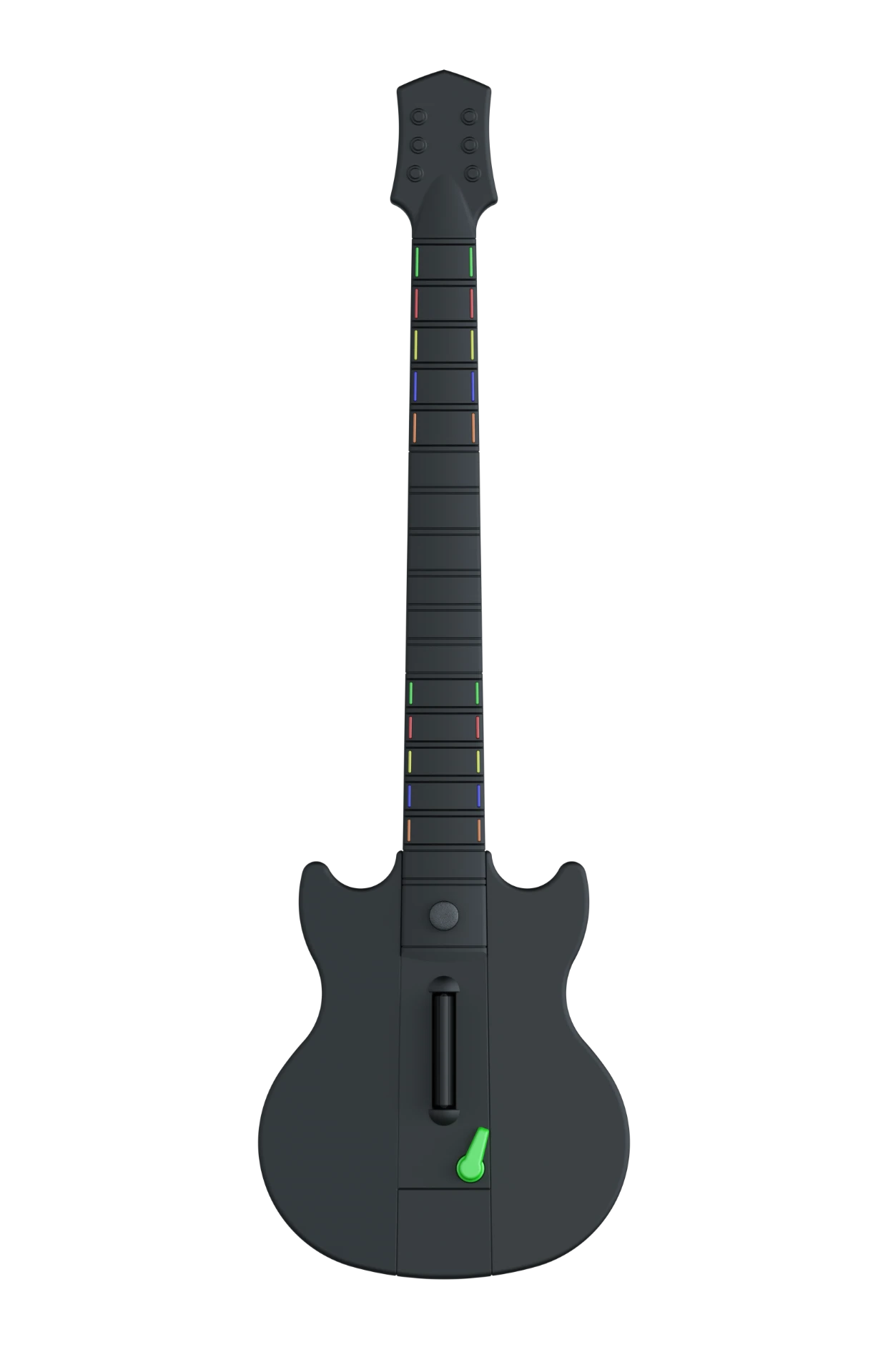
Back
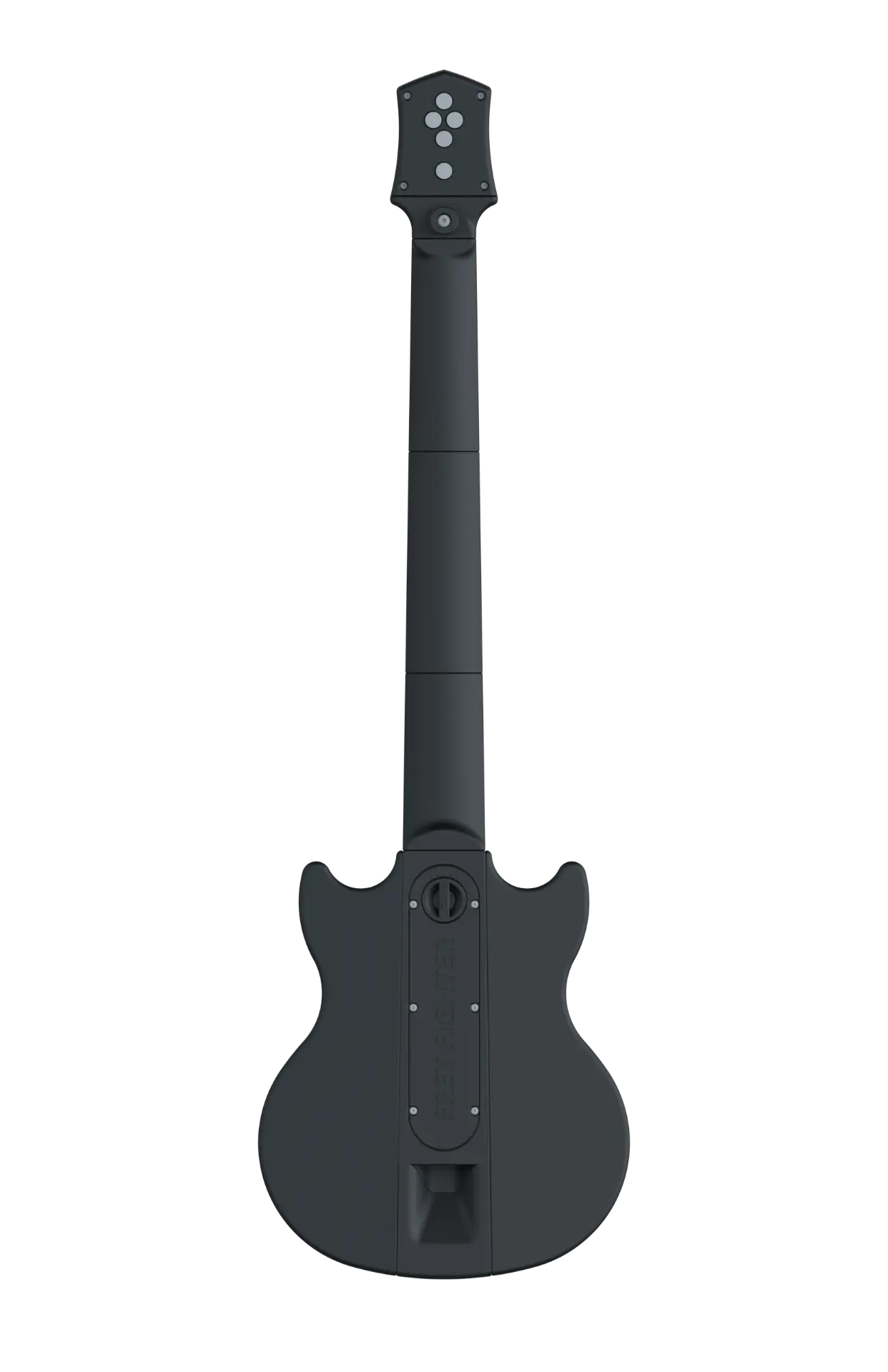
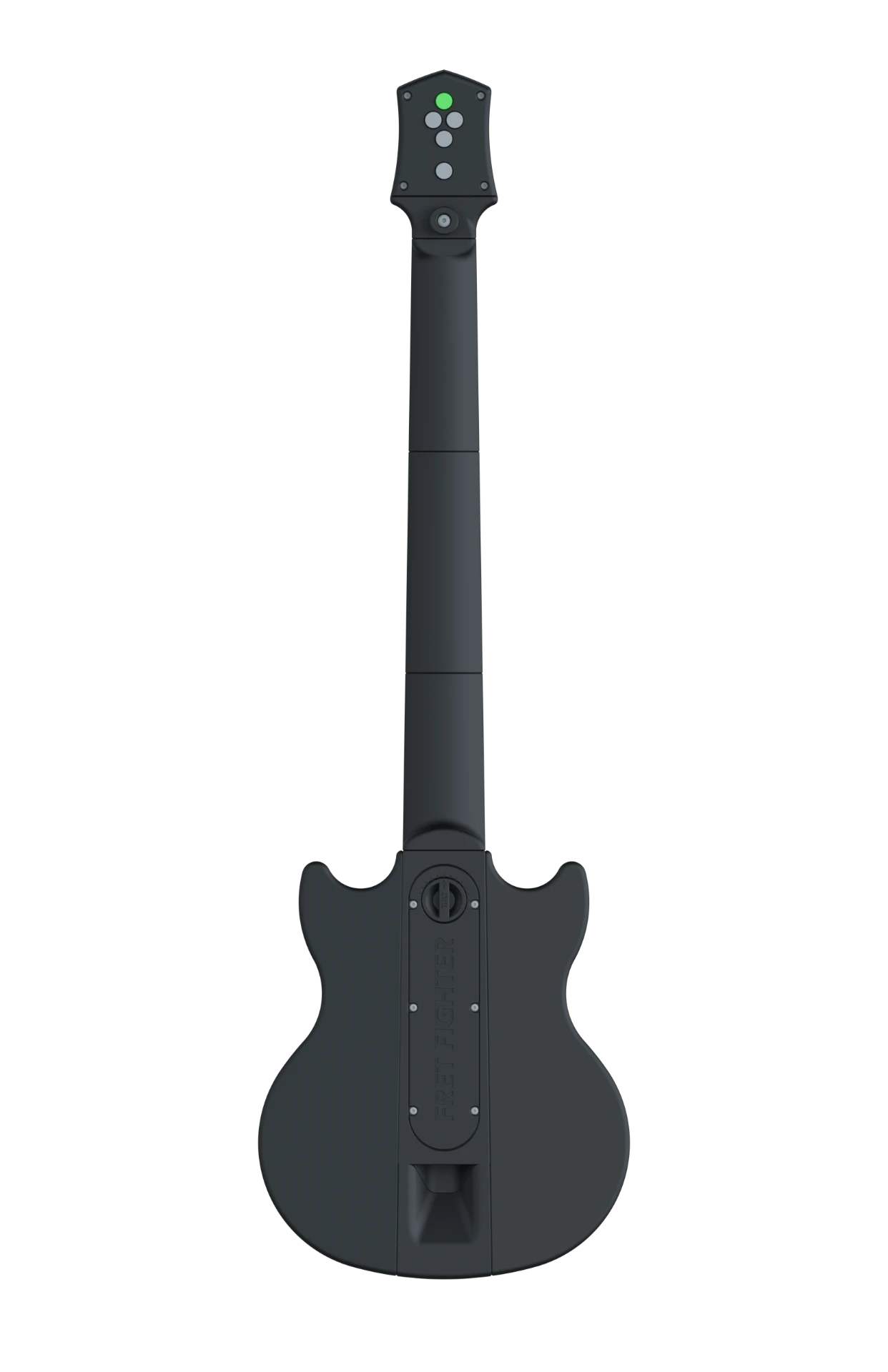
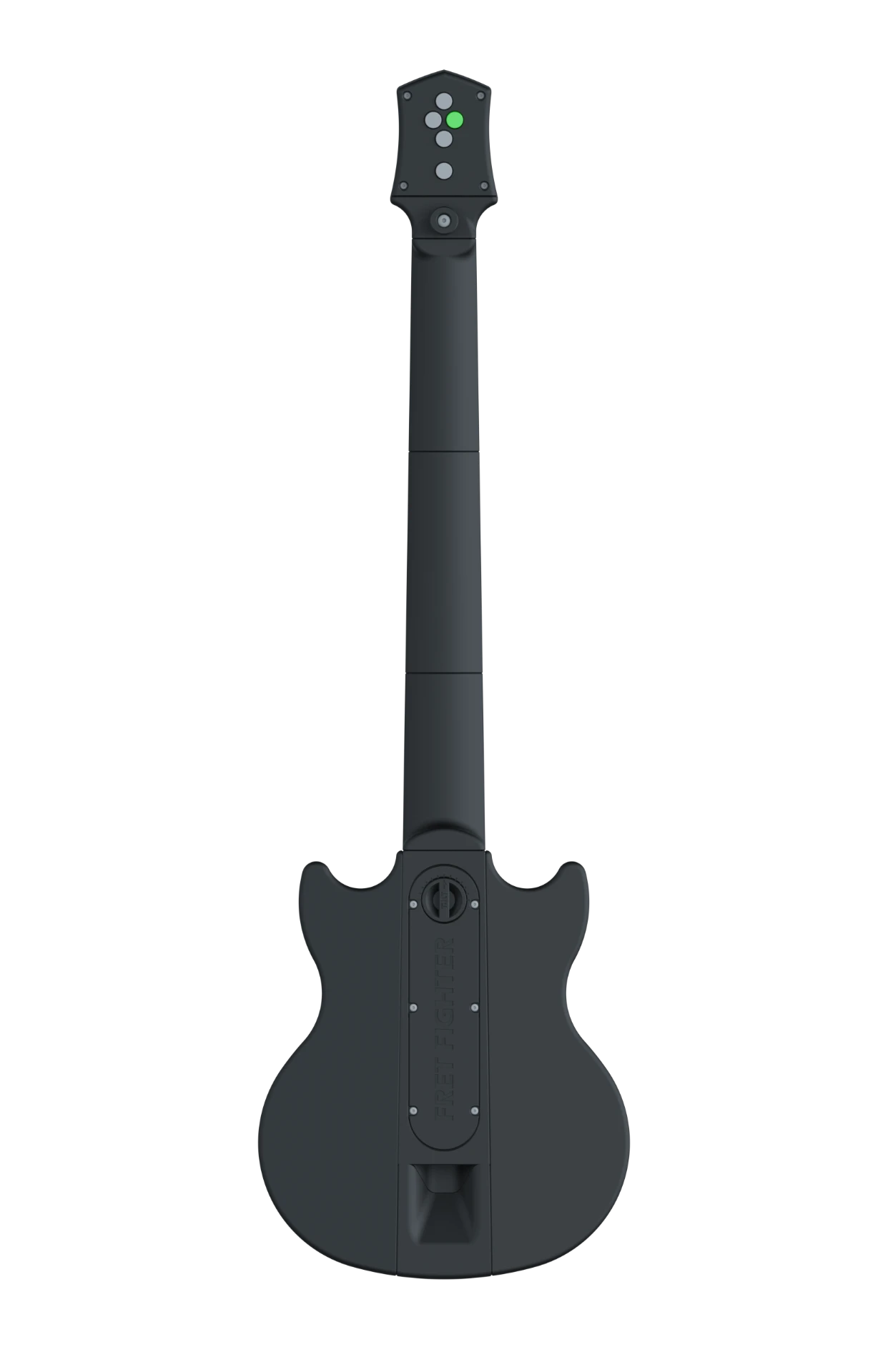
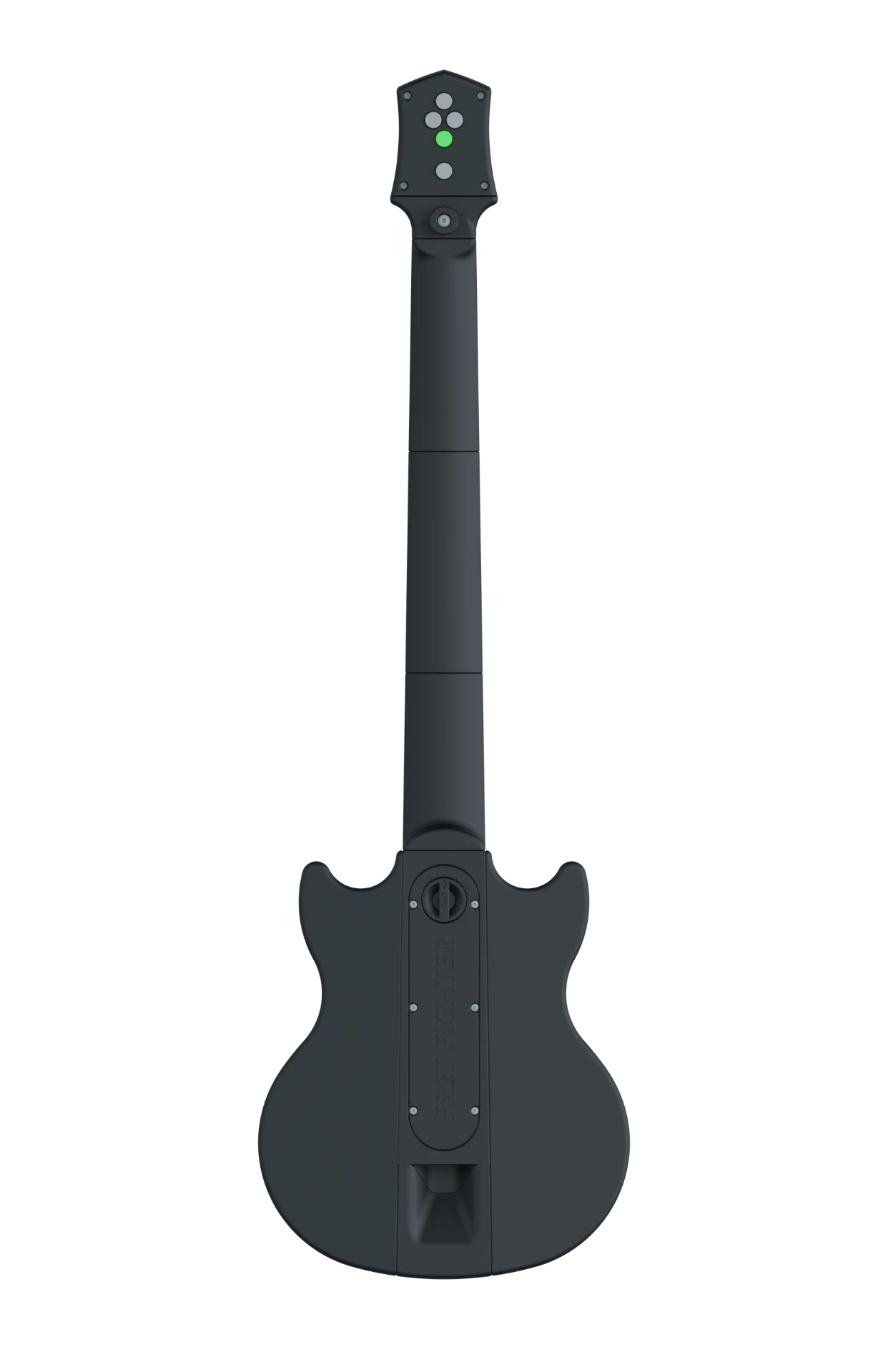
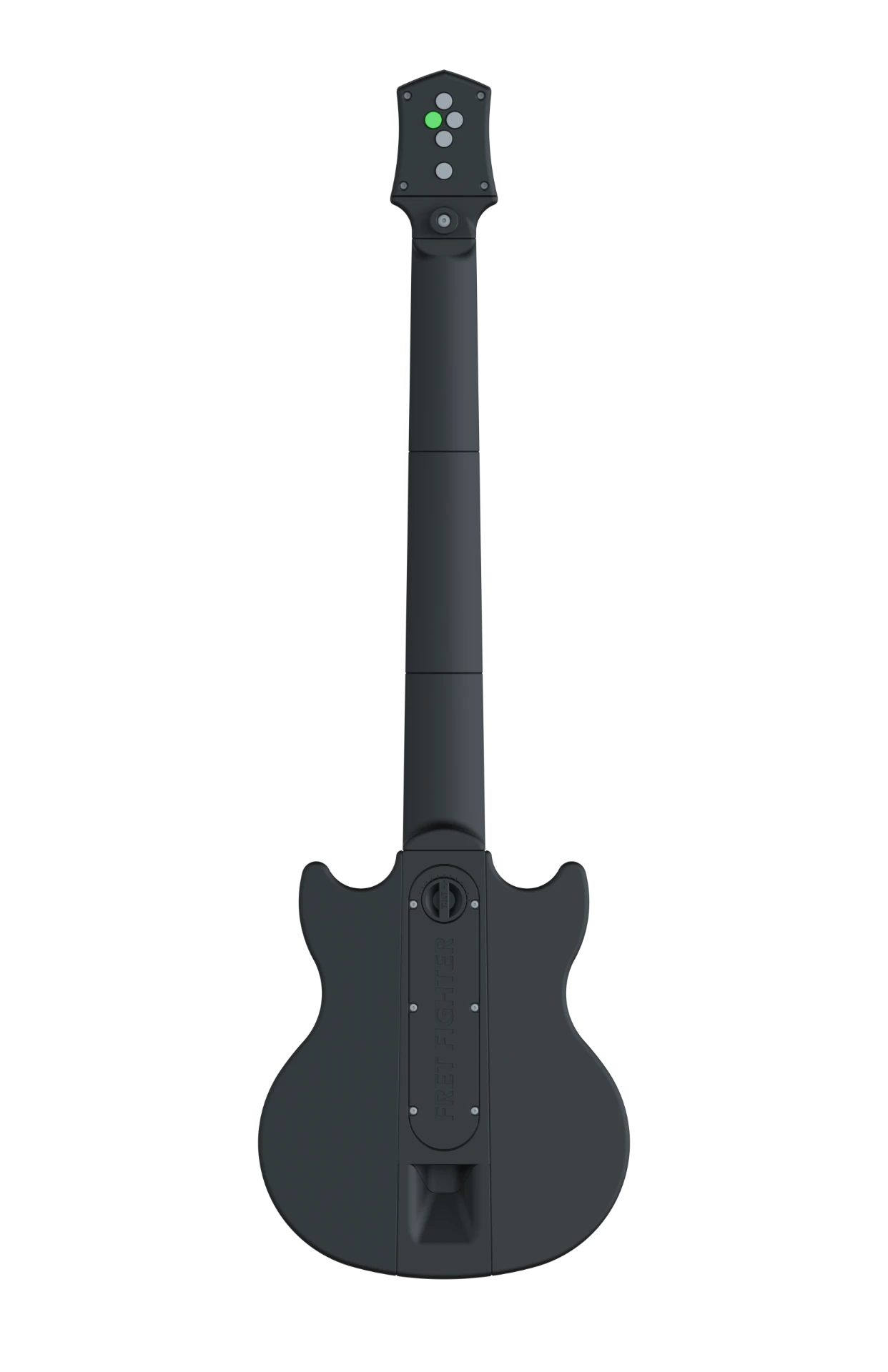
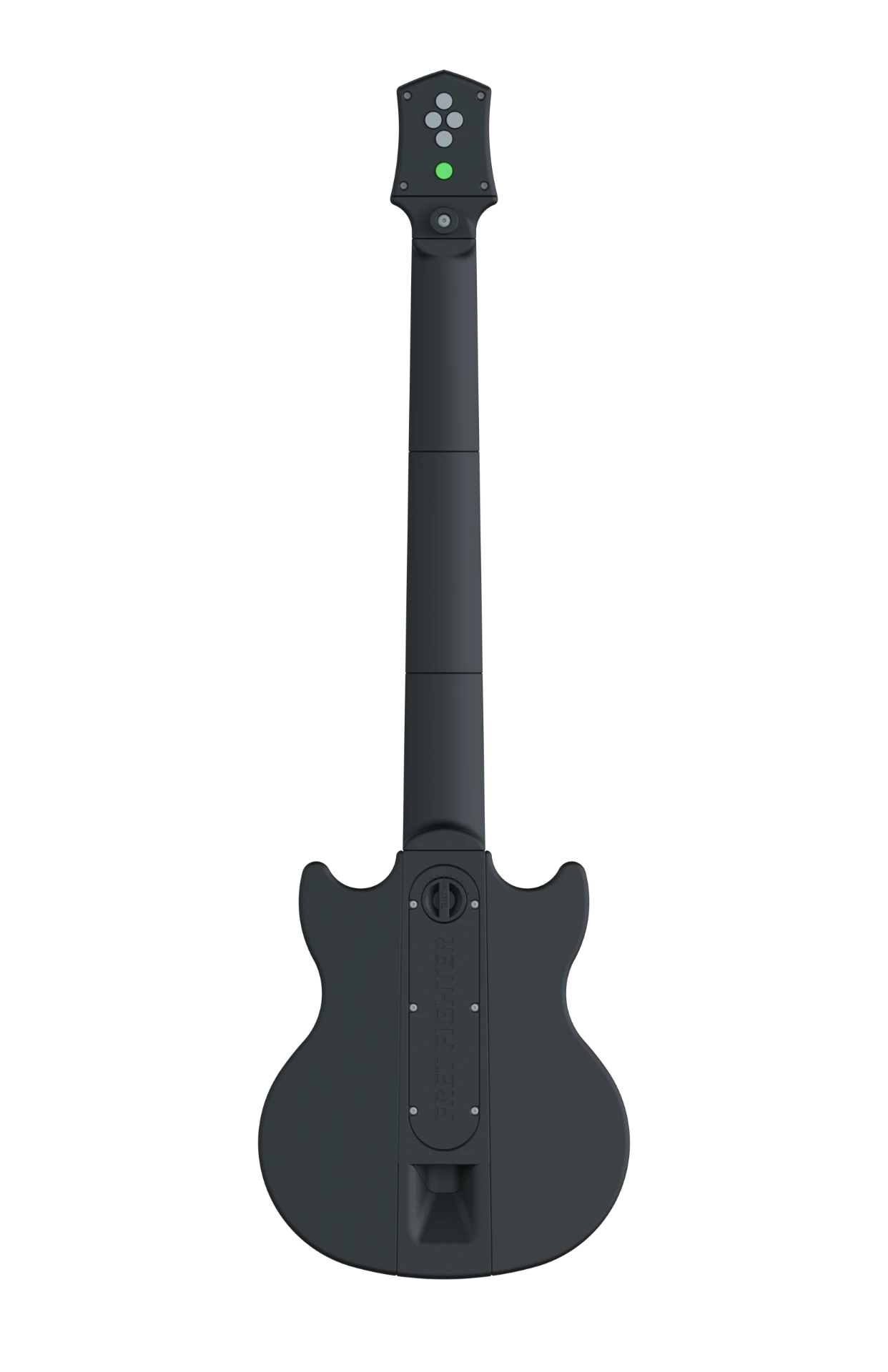
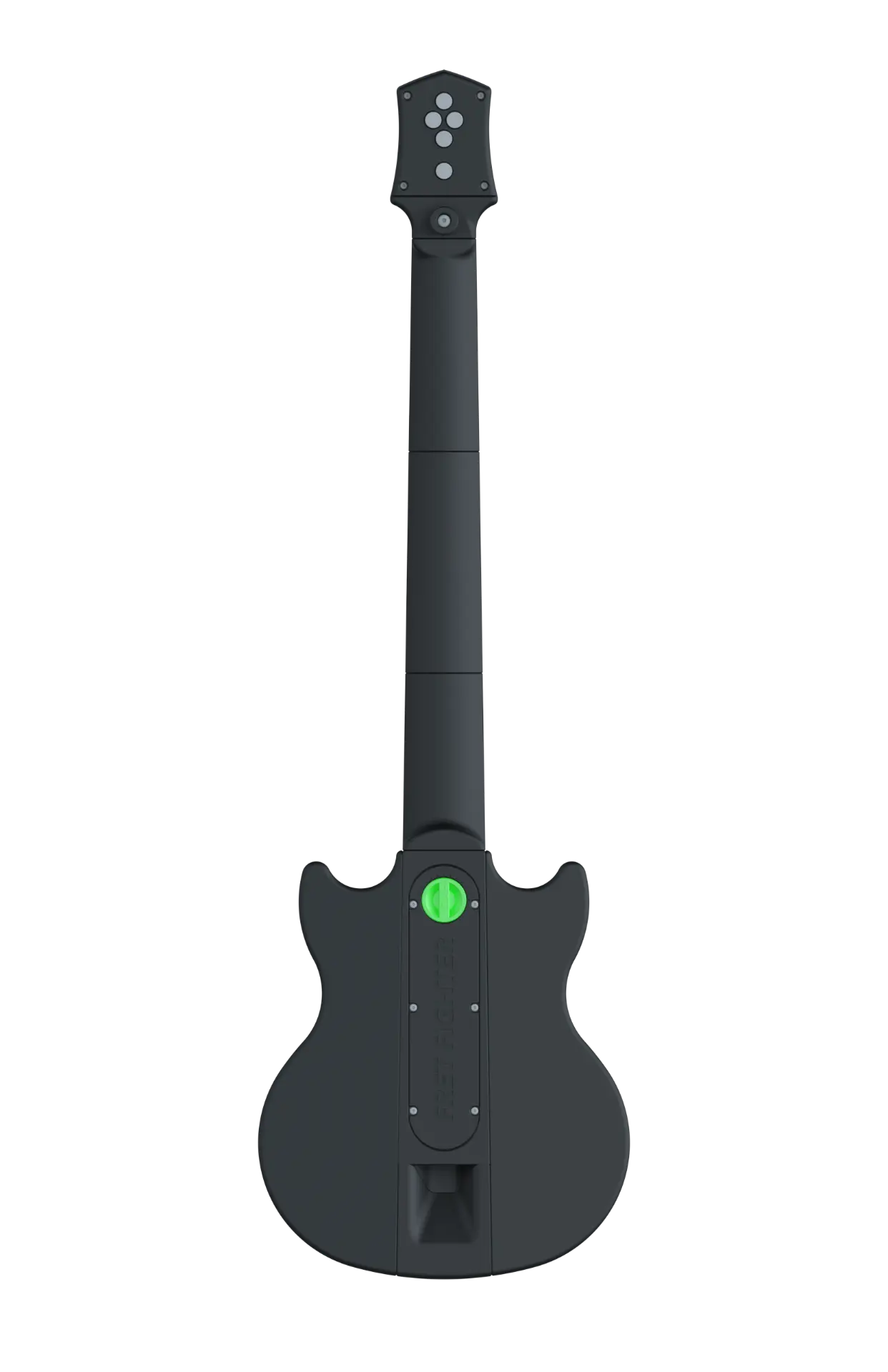
| Input | RP2040 Pin · Pico | GP2040 | Key · XInput |
|---|---|---|---|
| Main fret · Green | GPIO_PIN_06 | B1 | A |
| Main fret · Red | GPIO_PIN_07 | B2 | B |
| Main fret · Yellow | GPIO_PIN_10 | B3 | X |
| Main fret · Blue | GPIO_PIN_11 | B4 | Y |
| Main fret · Orange | GPIO_PIN_13 | L1 | LB |
| Solo fret · Green | GPIO_PIN_06 | B1 | A |
| Solo fret · Red | GPIO_PIN_07 | B2 | B |
| Solo fret · Yellow | GPIO_PIN_10 | B3 | X |
| Solo fret · Blue | GPIO_PIN_11 | B4 | Y |
| Solo fret · Orange | GPIO_PIN_13 | L1 | LB |
| Strum bar | GPIO_PIN_02 / GPIO_PIN_03 | UP / DOWN | UP / DOWN |
| Joystick | ADC 1 / ADC 2 / GPIO_PIN_18 | LS X / LS Y / L3 | LS X / LS Y / LS |
| Head 1 | GPIO_PIN_09 | L2 | LT |
| Head 2 | GPIO_PIN_08 | R2 | RT |
| Head 3 | GPIO_PIN_16 | S1 | Back |
| Head 4 | GPIO_PIN_17 | S2 | Start |
| Head 5 | GPIO_PIN_19 | R3 | RS |
| Whammy bar | ADC 0 | — | AXIS_X |
| Tilt switch (internal) | GPIO_PIN_12 | R1 | RB |
Choose controller input mode
Choose how GP2040-CE identifies the controller to your computer or console. This does not download or flash another firmware file.
Set XInput by holding B2 (red fret) while reconnecting.
Recommended for Chrome and Edge on Windows
GP2040-CE remembers the selected input mode across power cycles. See the official input mode guide.
connect your controller to transmit the pin mapping
Device settings
Gameplay and performance toggles
Tilt activates star power
Raise the neck to trigger
Lefty flip
Mirror fret order and strum direction
LED effects
Reactive lighting on fret press
Turbo strum
Auto-repeat while strum held
1000 Hz polling
Maximum USB report rate
connect your controller to change device settings